Photographer base manual
You already know most of this. It is a visual reminder to keep at hand in the store. We will keep adding to it with what we learn at each opening.
01Equipment
Equipment
- SLR camera
- Wide-angle lens: 14 mm minimum
- Zoom lens 24–70 mm
- Tripod
Camera settings
- Aperture
- f/8 – f/11
- Shutter speed
- 1/15 – 1/2000
- ISO
- 100 – 800
- Mode
- Manual
- Format
- RAW
- White balance
- Auto
- Before moving on
- Check the histogram
02Facade
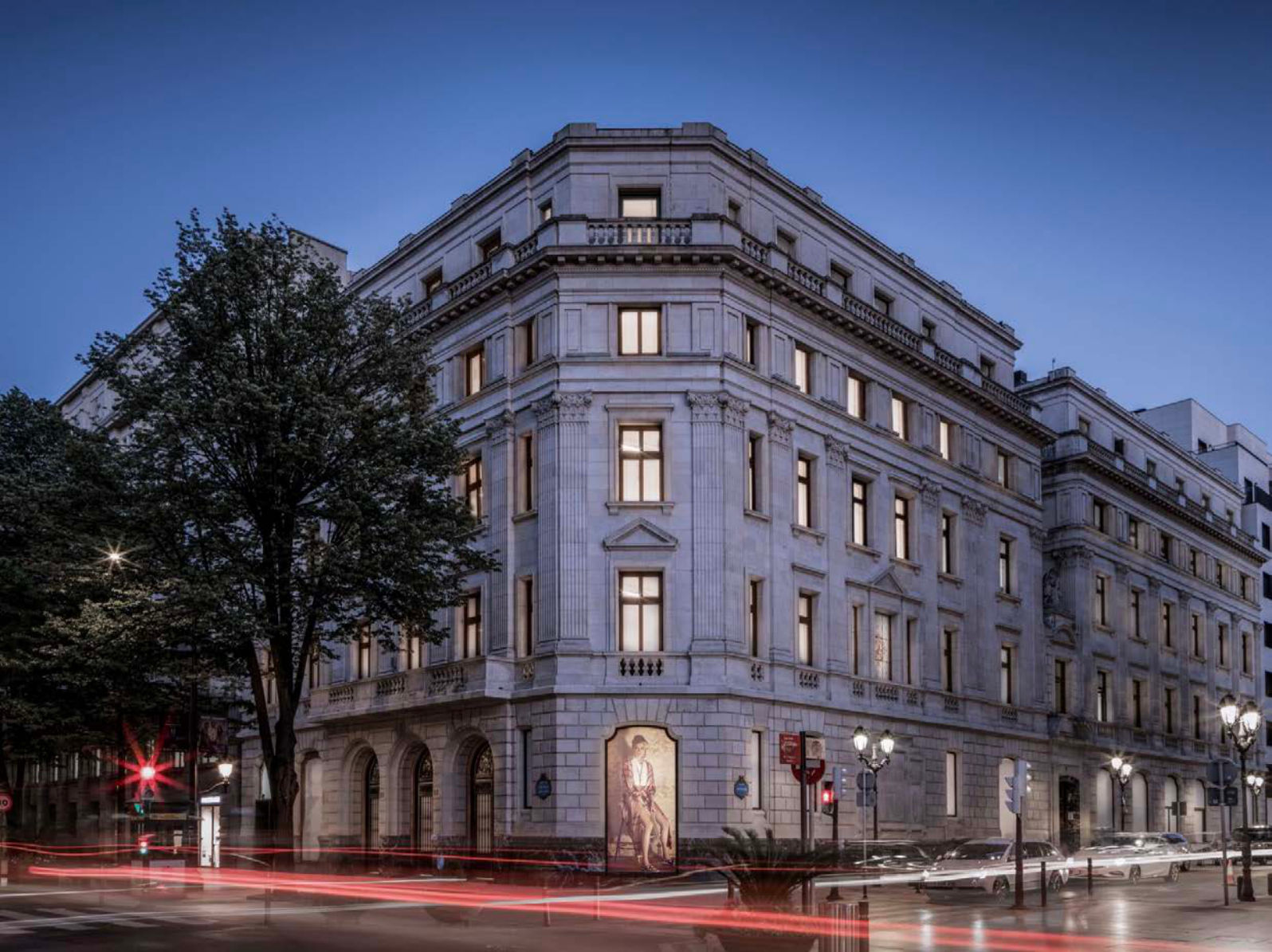
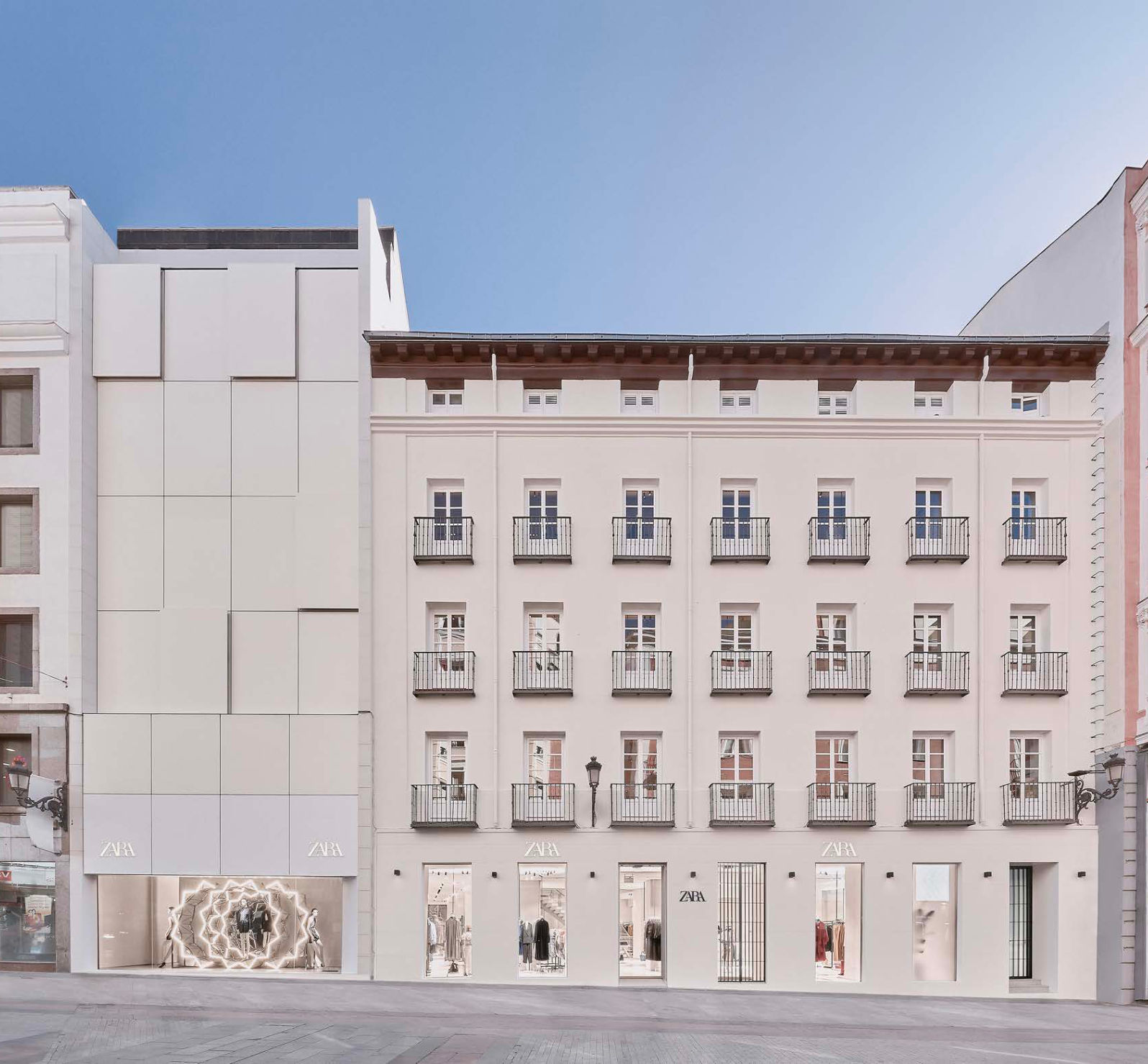
- Stand in front of the facade, at its middle point
- Camera at the height of your face
- Stay as far away as possible
- Tripod
- Shoot at dawn
03Shop window
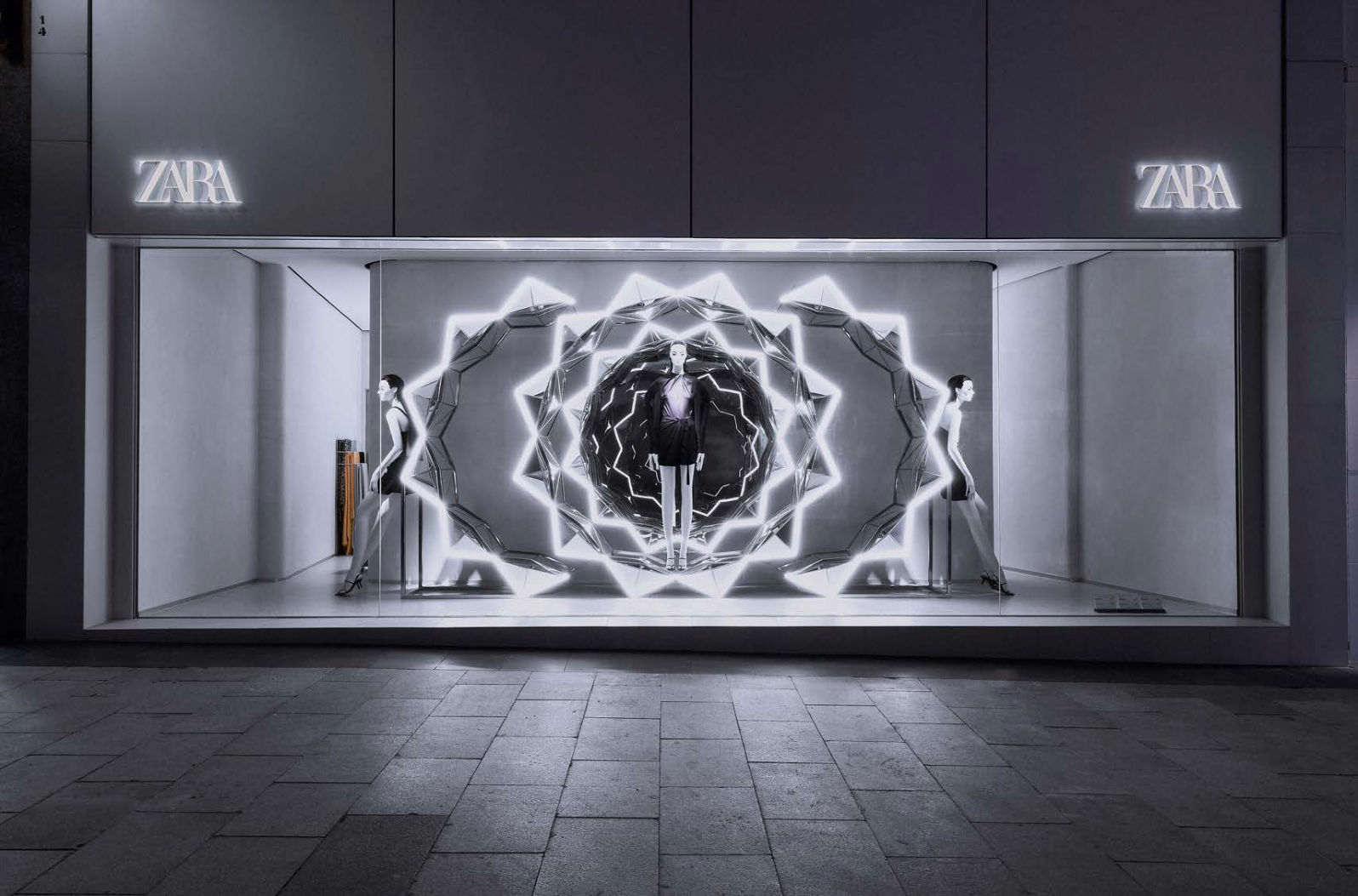
- Stand in front of the shop window, at its middle point
- Camera at the height of your face
- Stay as far away as possible
- Tripod
- Shoot at night
04Details
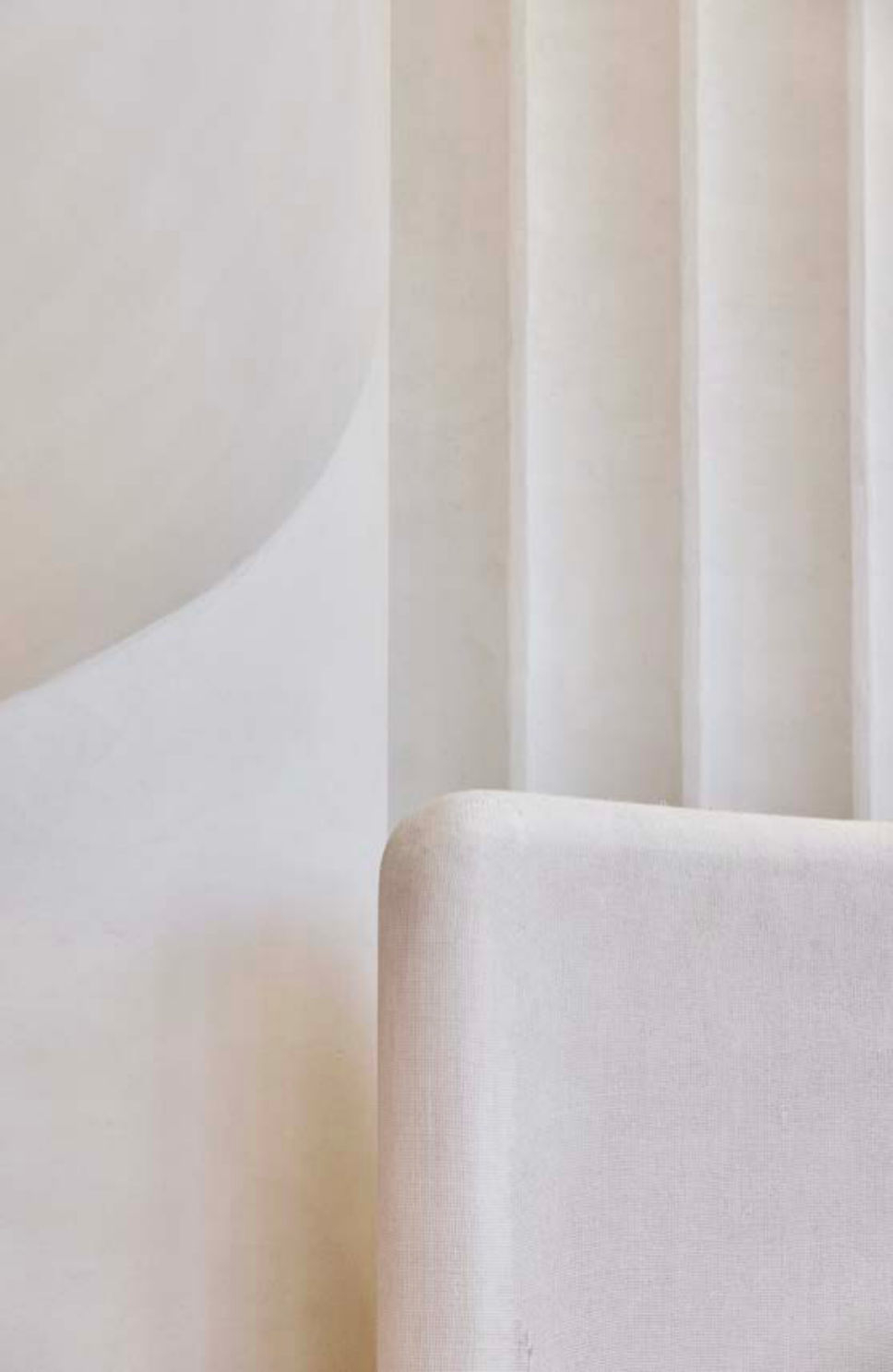
- Details matter, inside and outside
- Architectural elements are relevant
05Composition
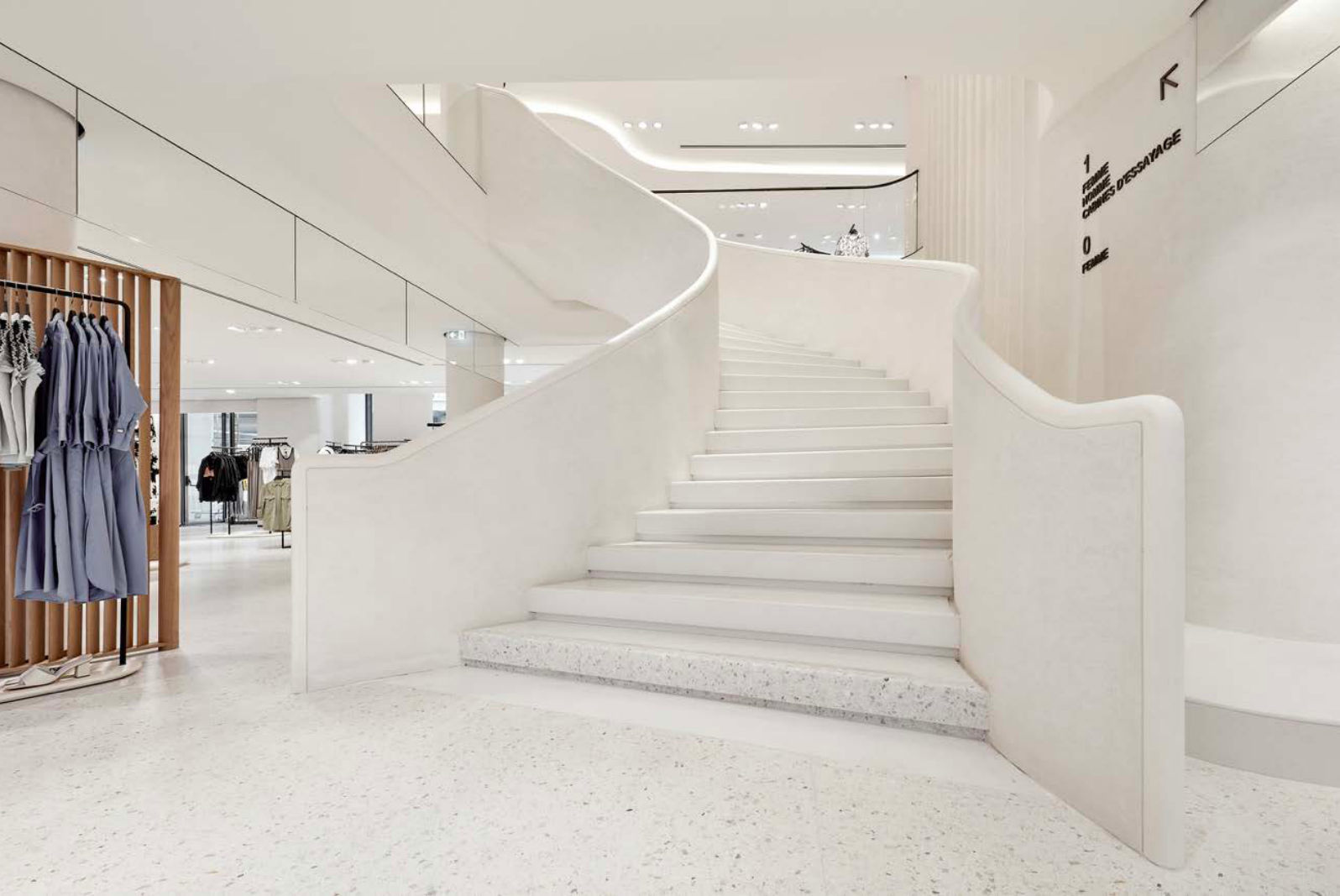
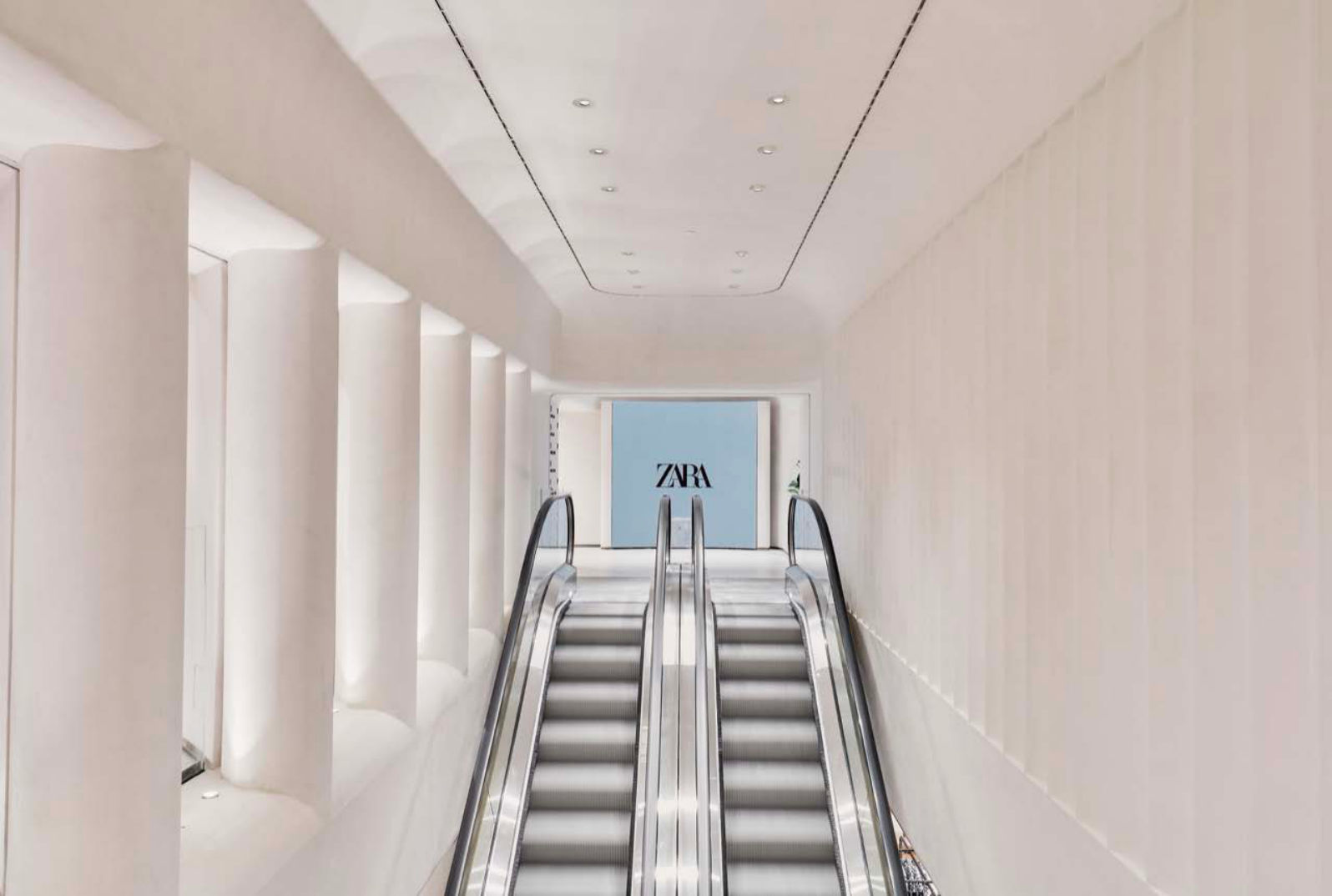
- Compose following the lines of the building
06What to remove before shooting
They must not appear in the photo. When you finish, put everything back in place.
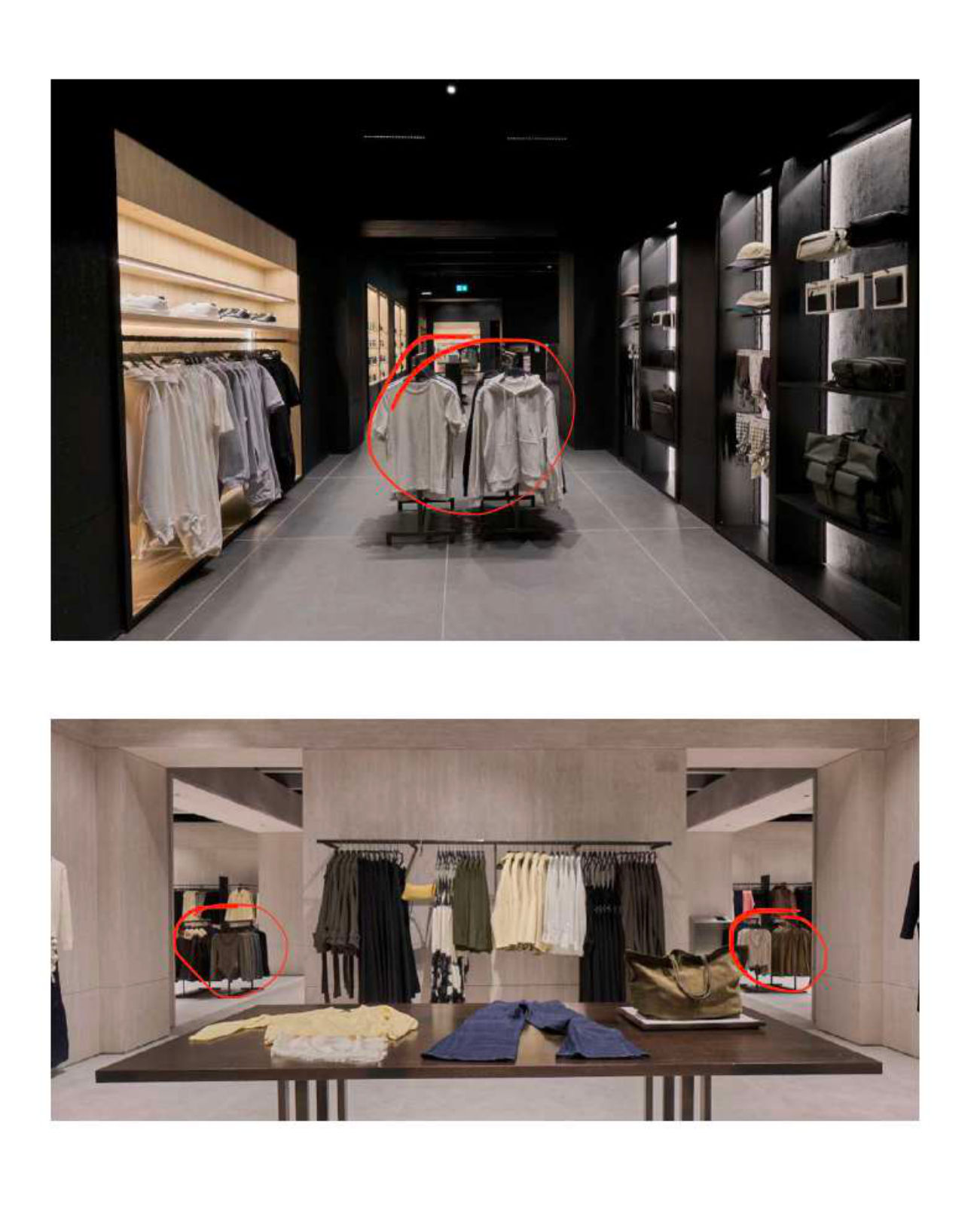
Hanging racks 110 / 120
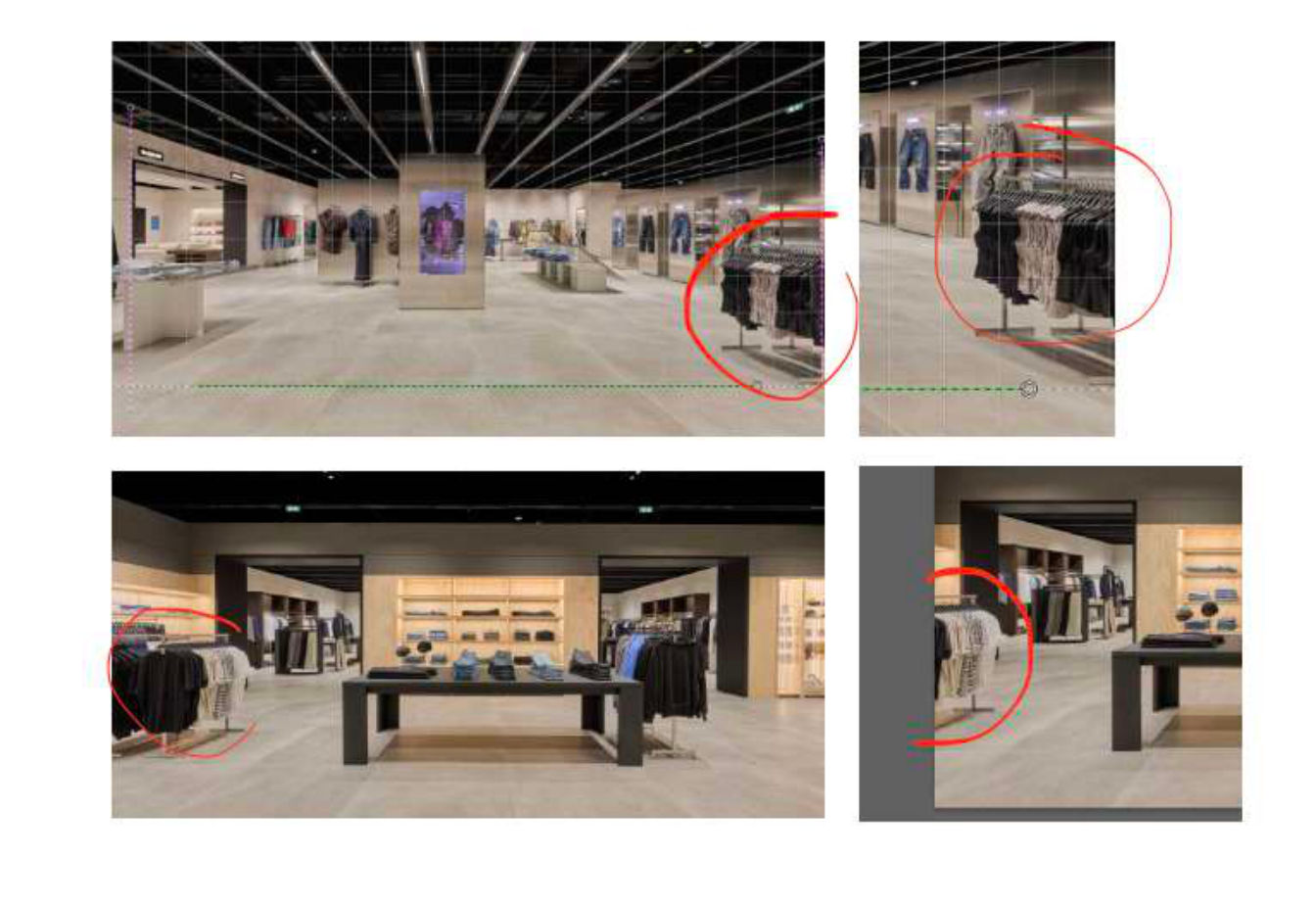
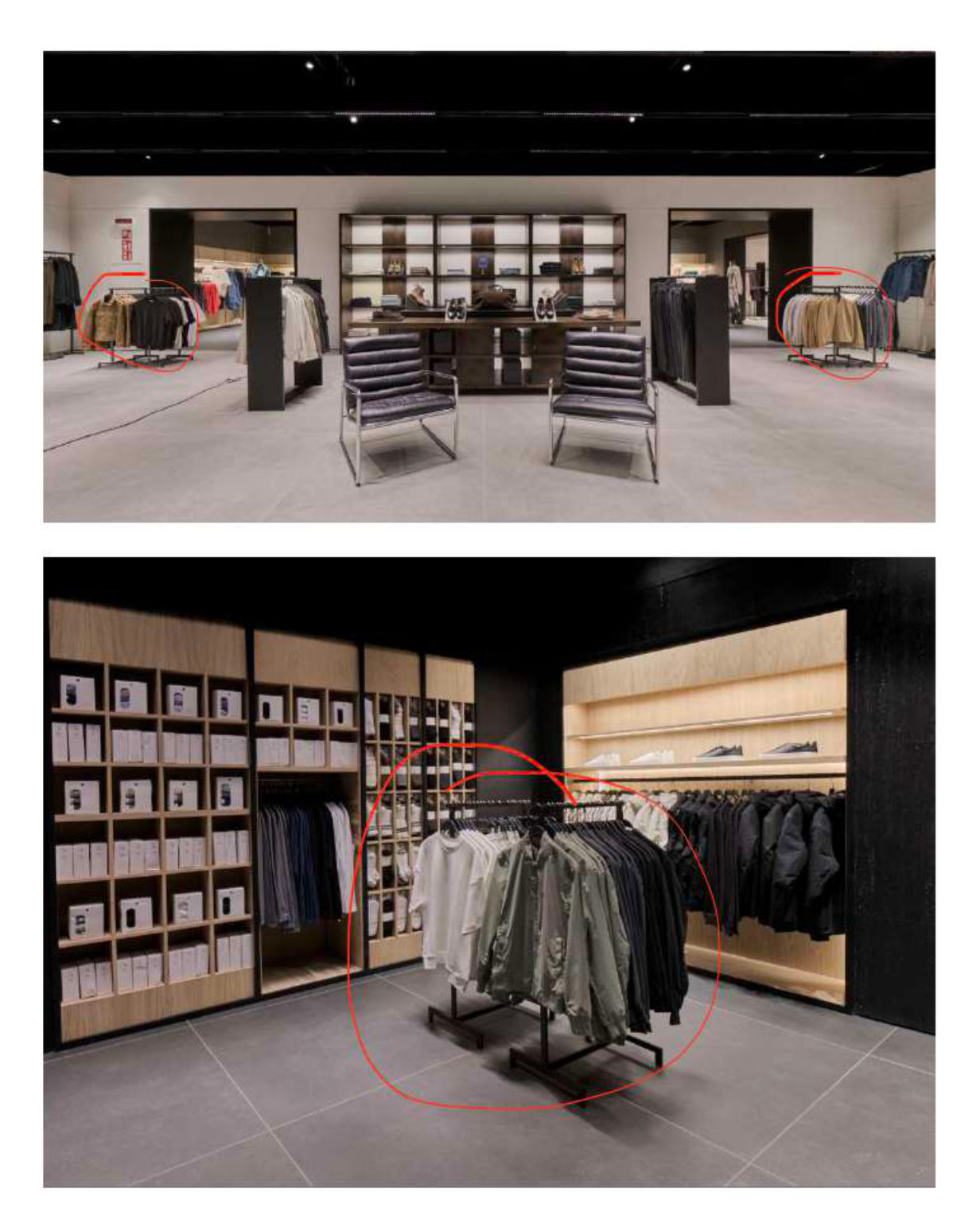
Central hanging racks, 110/120 cm high. If they appear in the frame (cropped edges, side views) or clutter the composition, remove them. In wide shots they are usually in the central aisles.
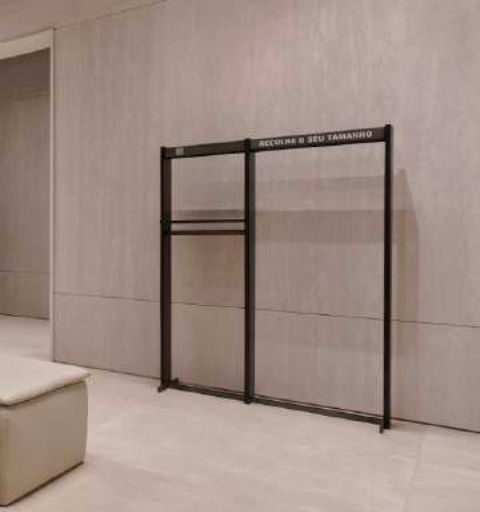
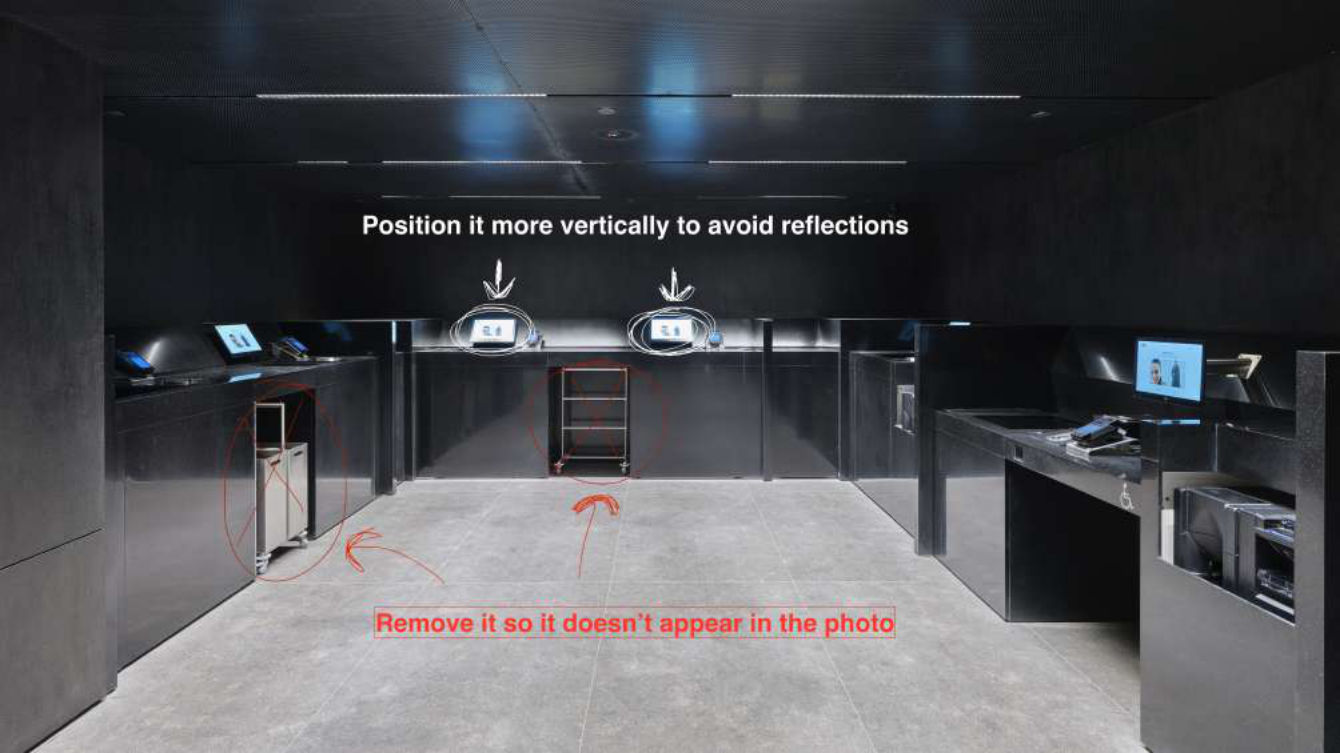
Garment return rack
The rack where returned garments are left. Keep it out of the frame.
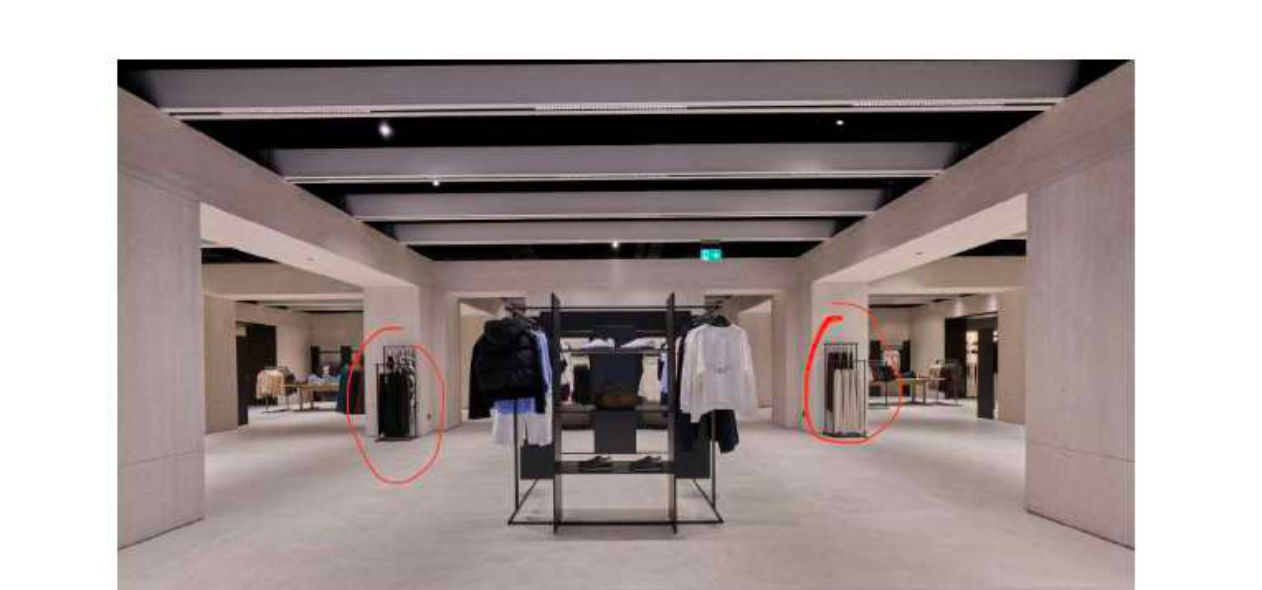
Scarf and accessory stands
Where scarves, shawls, etc. are hung. They must never appear: always remove them.
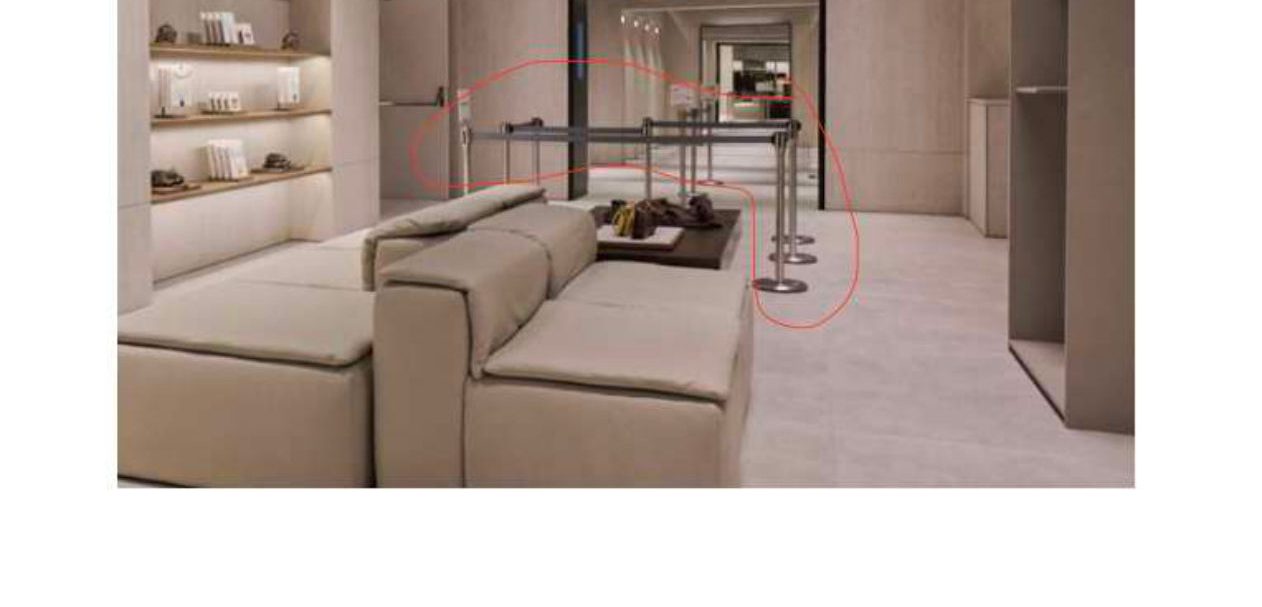
Queue guides and crowd-control posts
Operational area. Remove them if visible.
Self-checkout bags
Remove them before you get to shoot that area.
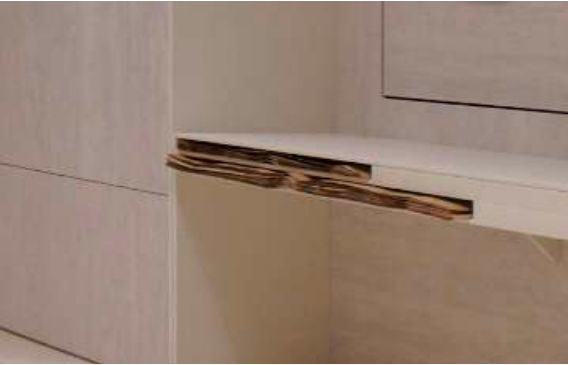
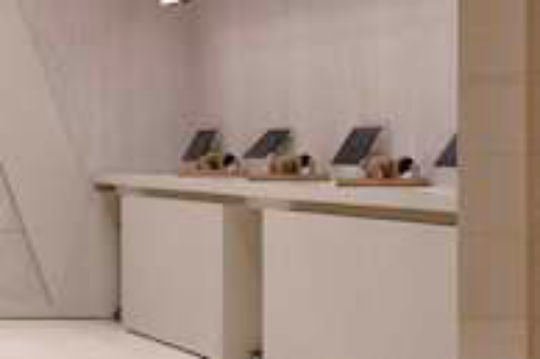
Loose handbag stands
They are now being integrated into the furniture. If they appear loose or standalone, remove them.
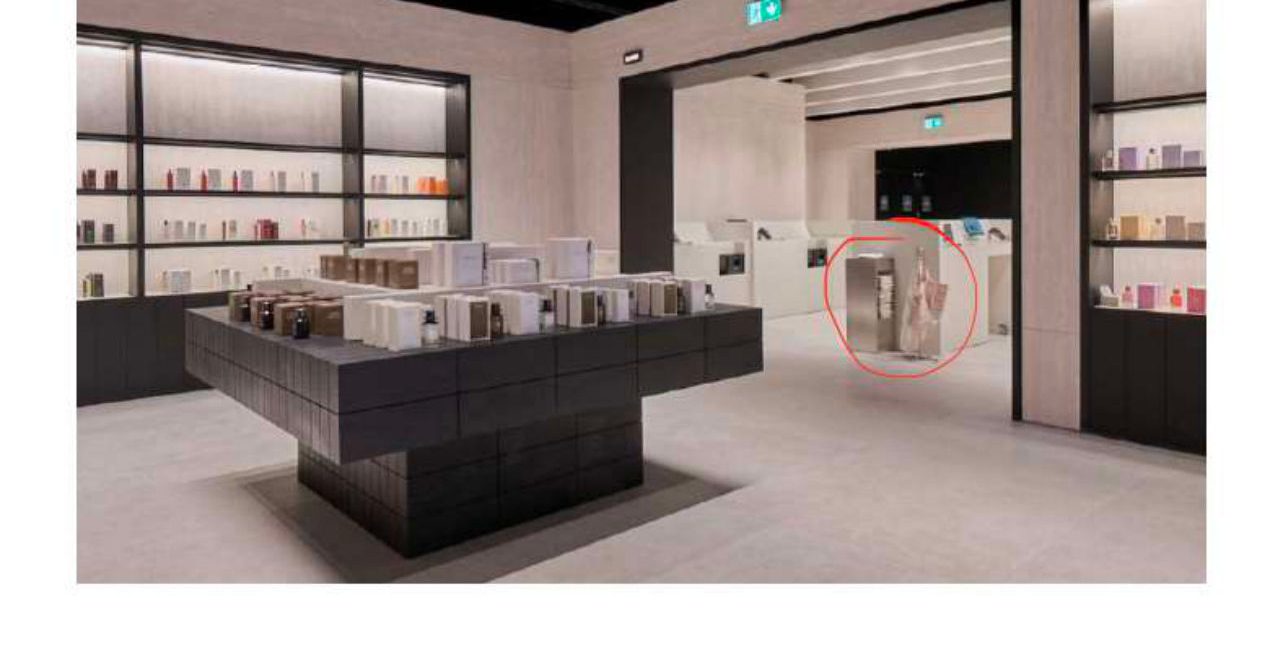
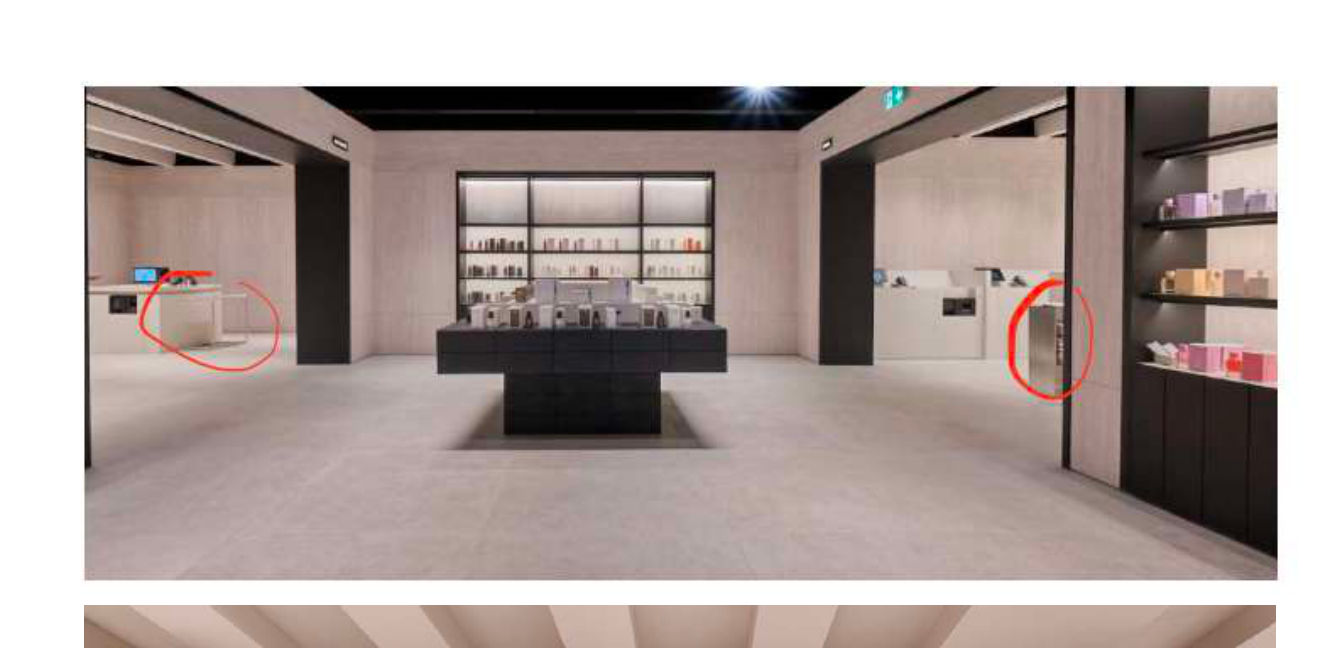
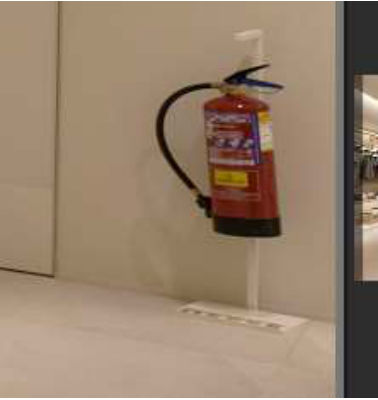
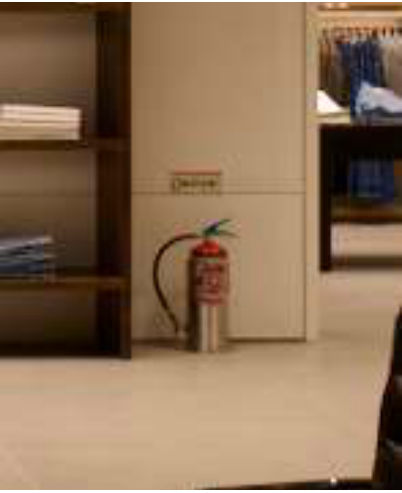
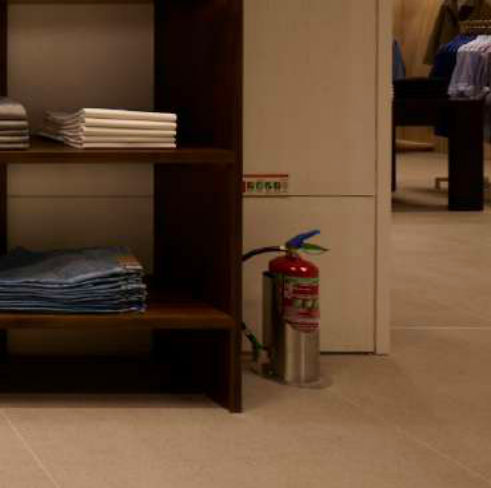
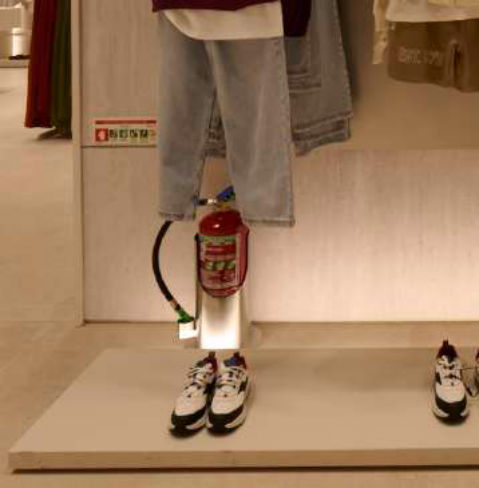
Fire extinguishers
Out of the frame during the shot, and back in place when you finish.
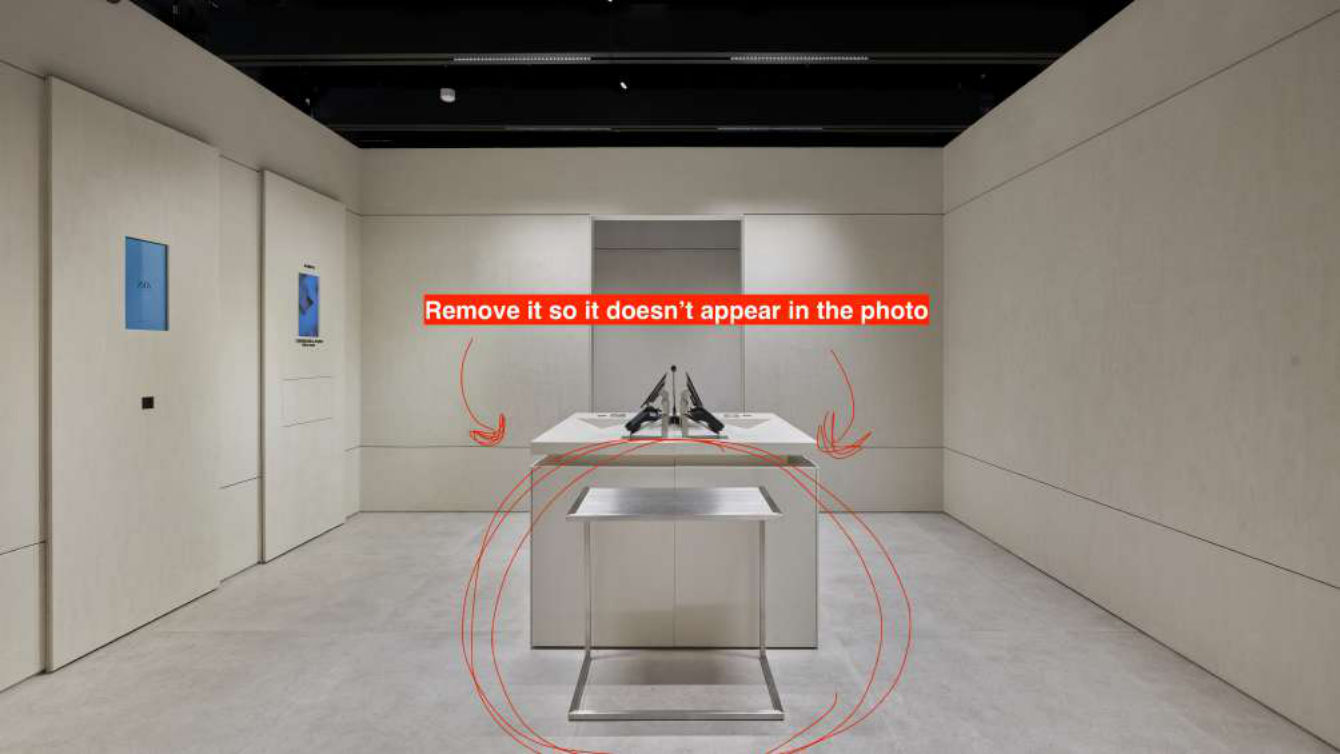
Loose plinths and side tables
Remove them so they do not appear in the photo (also the side table attached to the checkout).
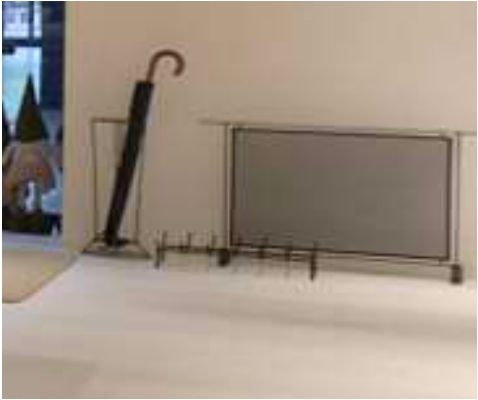
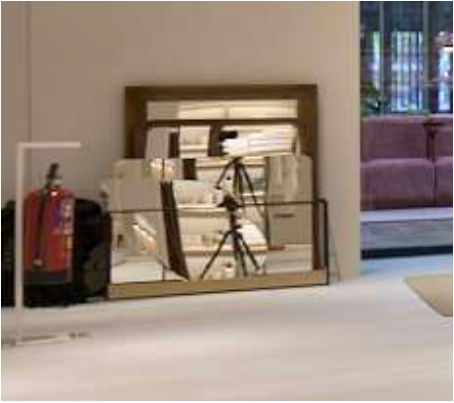
Umbrella stands and other loose objects
Umbrella stands, tripods, screens or any loose object that is not part of the store.
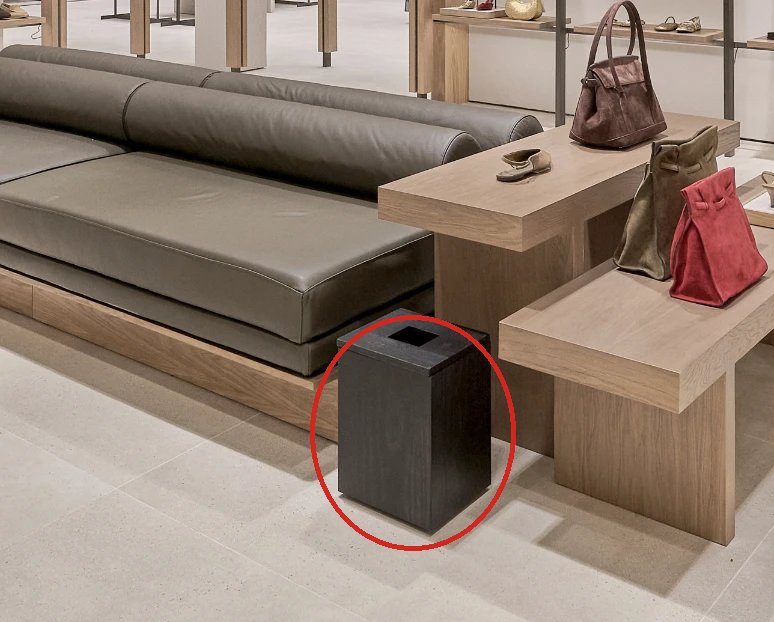
Waste bins
For example in TEMPE. Remove them from every photo before shooting.
Checkout area: screens and floor
Tilt the screens more vertically to avoid reflections, and clear anything on the floor.
07Keep in mind when shooting
The furniture behind the TABLE blocks the view into the next room. The RIGHT armchair gets distorted so close to the frame edge: change position or step back.
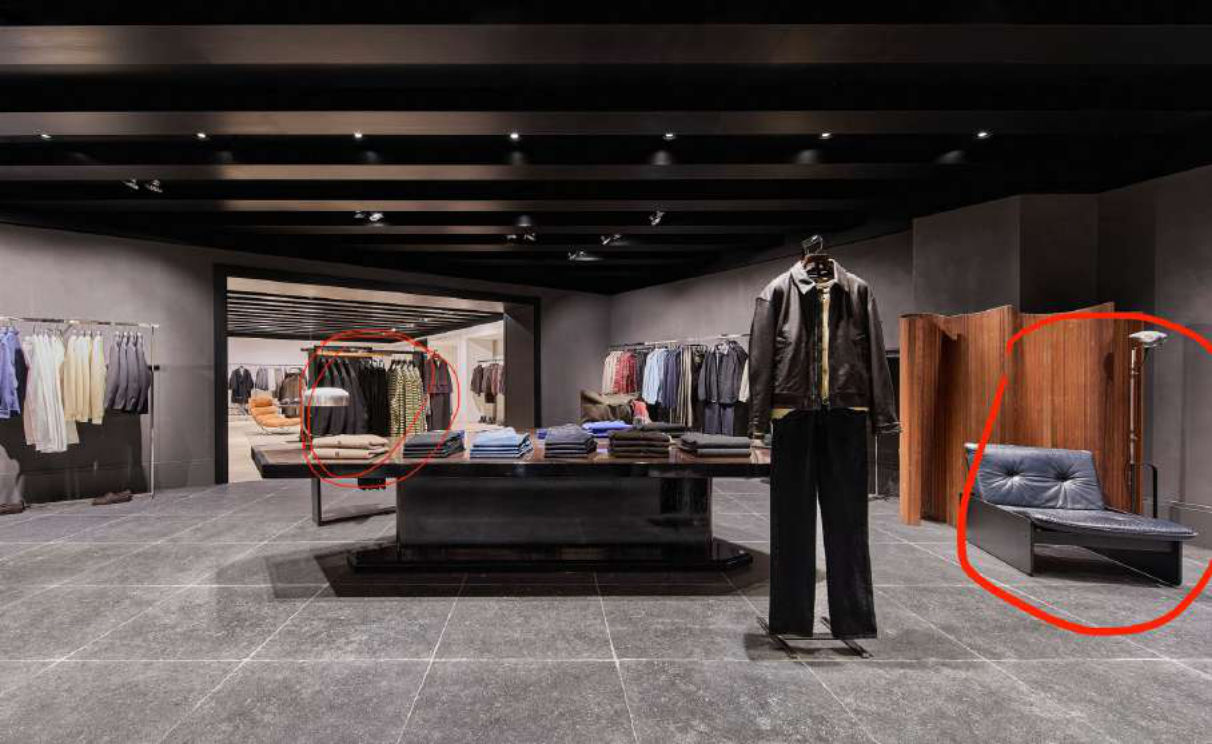
The 110 rack at the back adds visual noise and no value, but in this photo it must stay in place: do not remove it. A rare case, shown as an example. No overlapping garments if it can be avoided.
08Light, reflections and lines
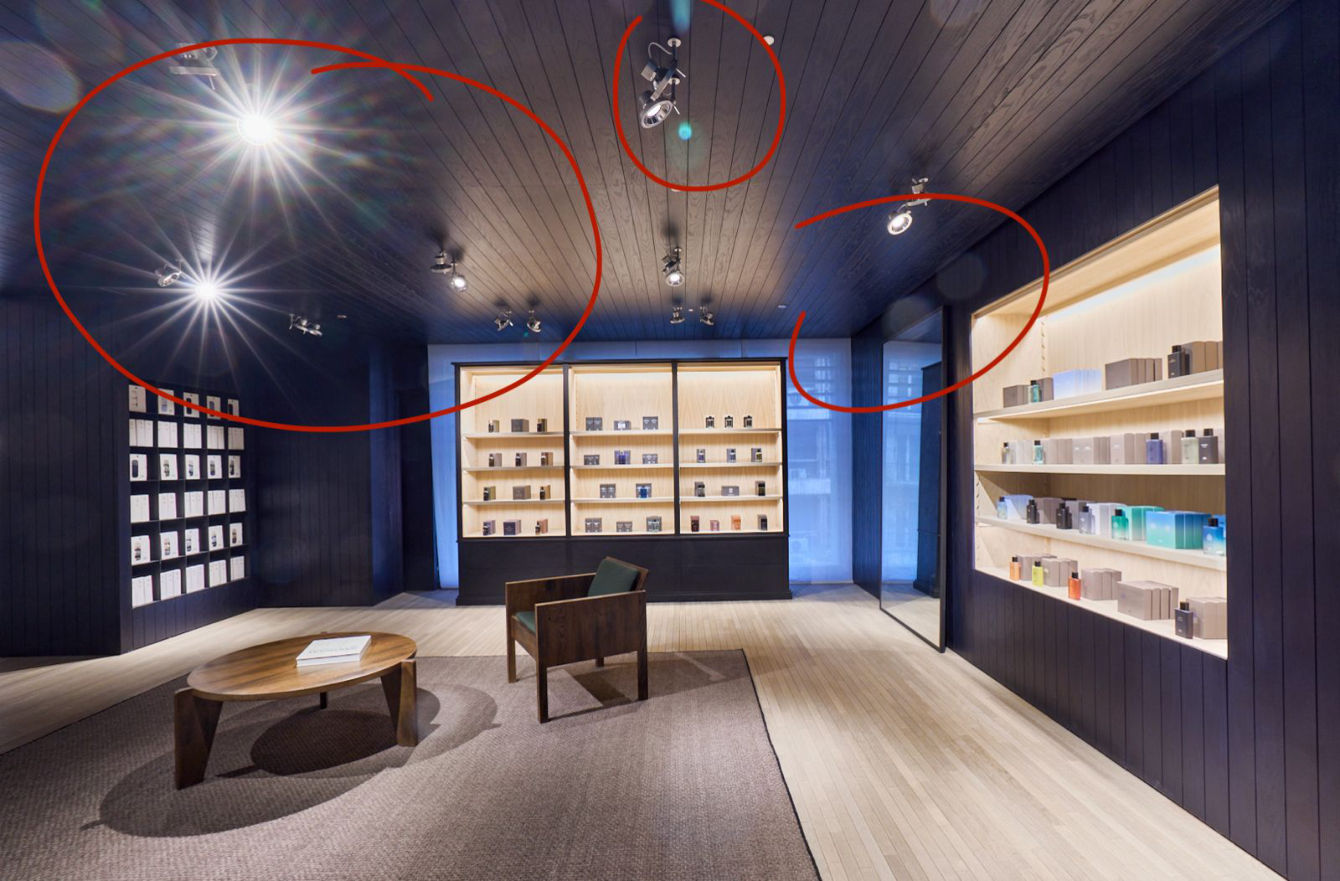
Avoid stray light and lens flare
Use a lens hood and position yourself to minimise unwanted light entering the lens.
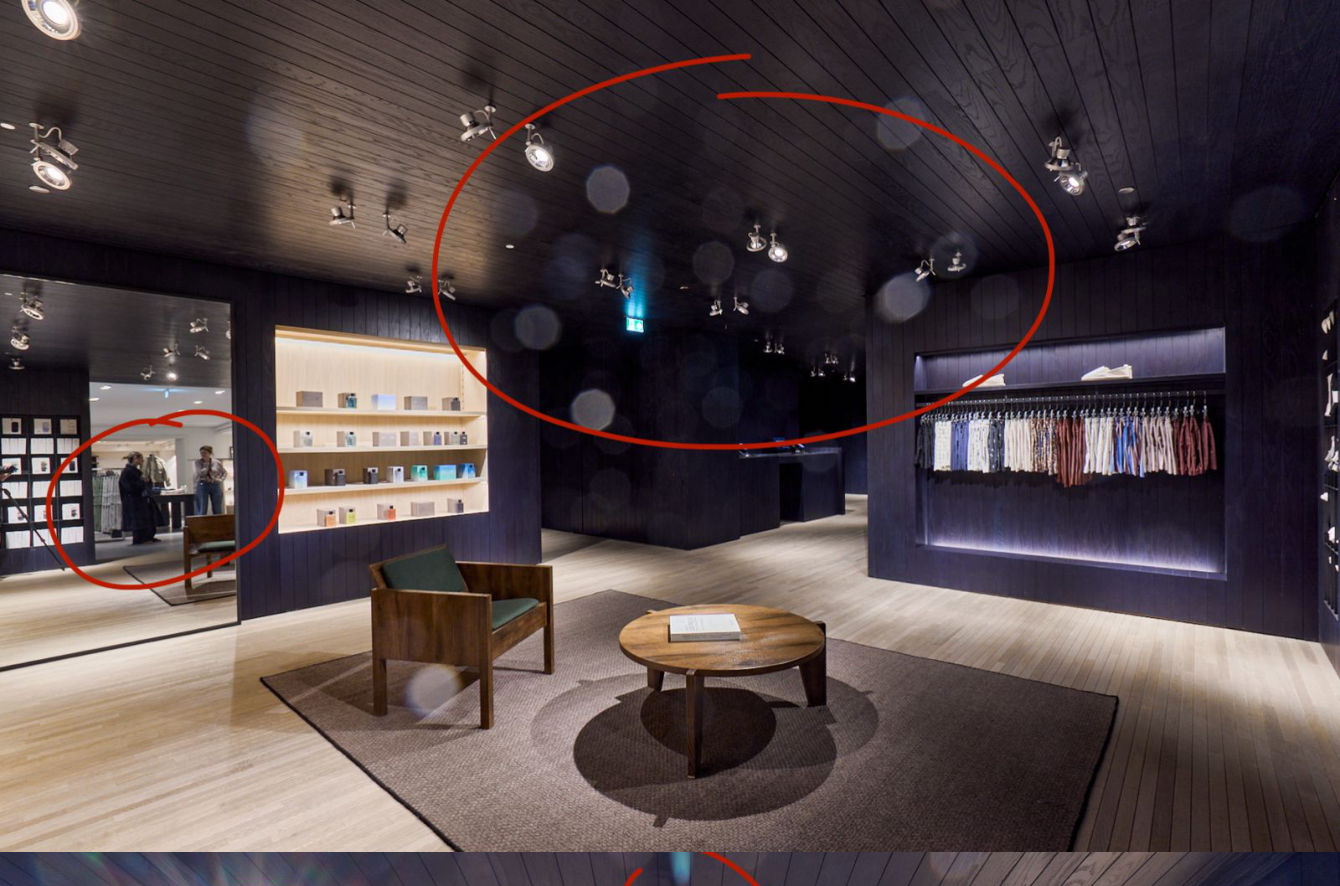
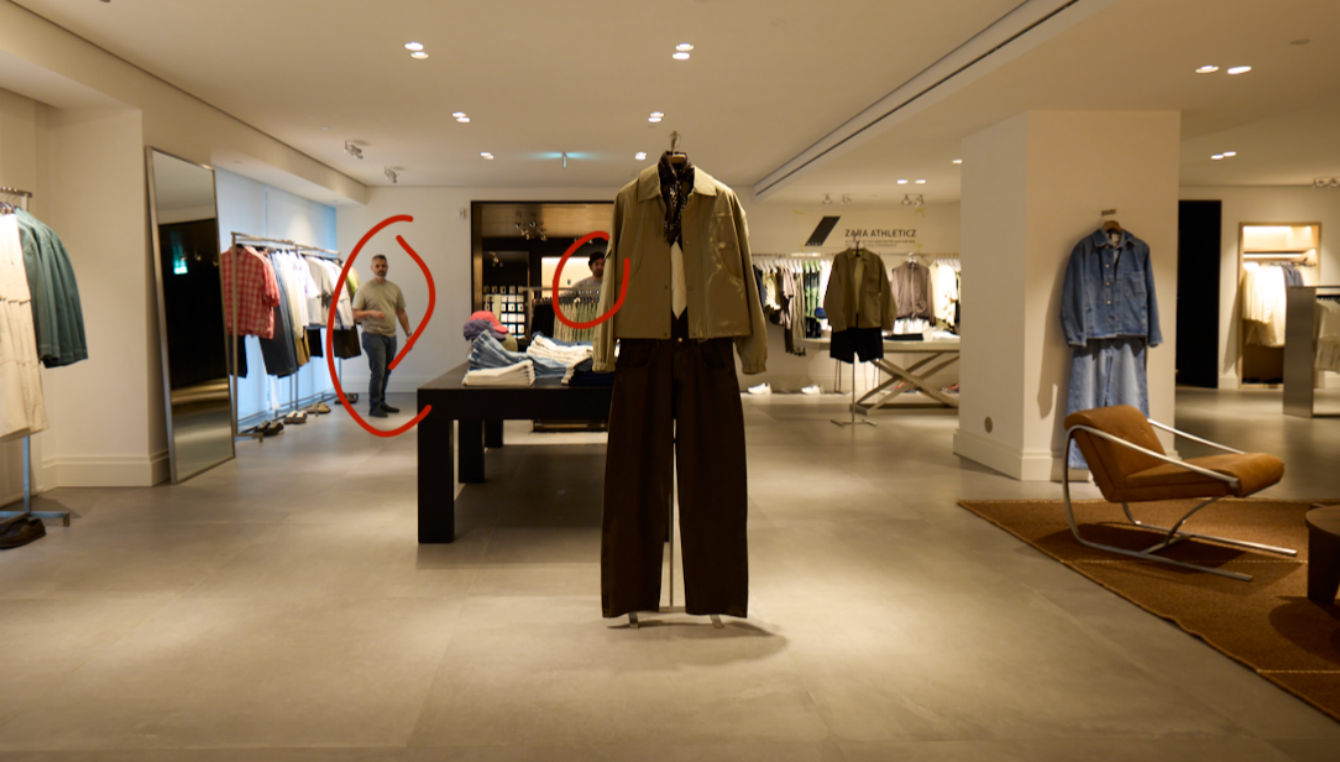
Watch out for mirror reflections and distracting lines
Check for unintended reflections (mirrors, people) or elements that draw attention away.
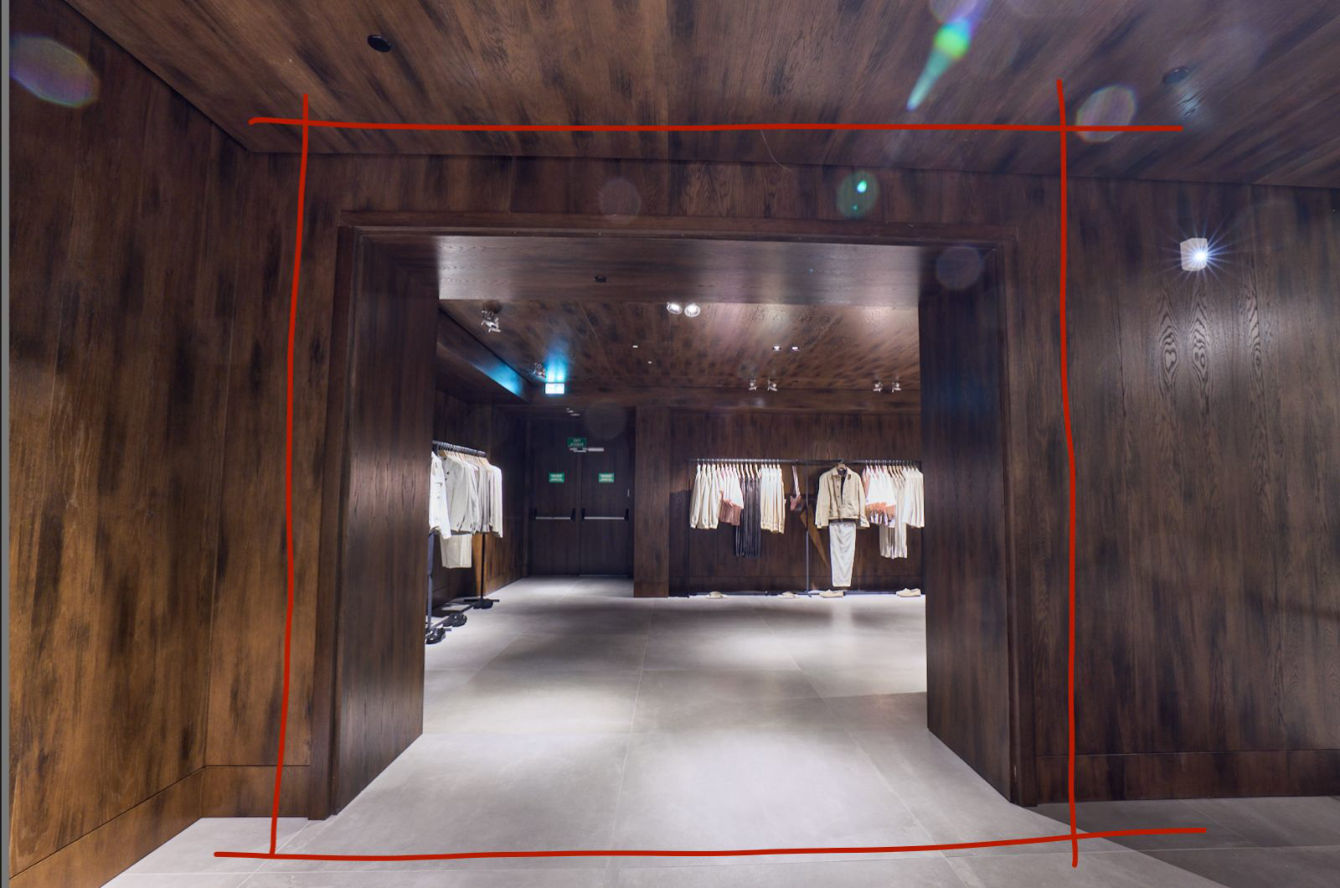
Keep lines straight
Tripod and level: straight verticals and horizontals.
09Checklist before every shot
- Tripod levelled: straight verticals and horizontals
- Nothing from «What to remove» in the frame
- No flare or stray light (lens hood on)
- No mirror reflections or people in the frame
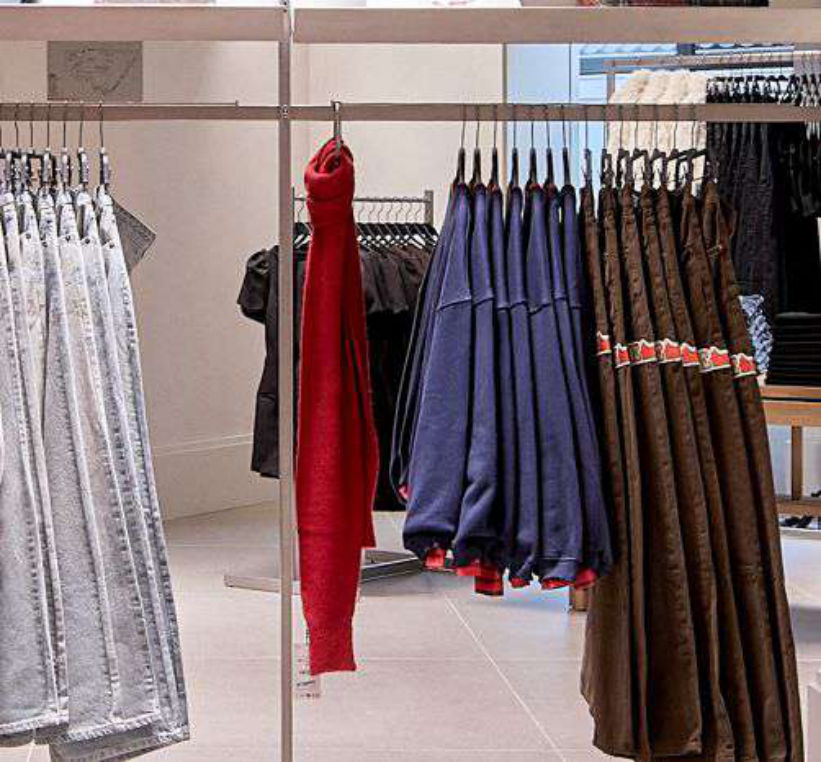
- No overlapping garments that can be separated
- Histogram checked, RAW
10Latest updates
The latest feedback from the studio and from each opening. Check it before every trip.
Waste bins: remove them from every photo before shooting (for example in TEMPE).